

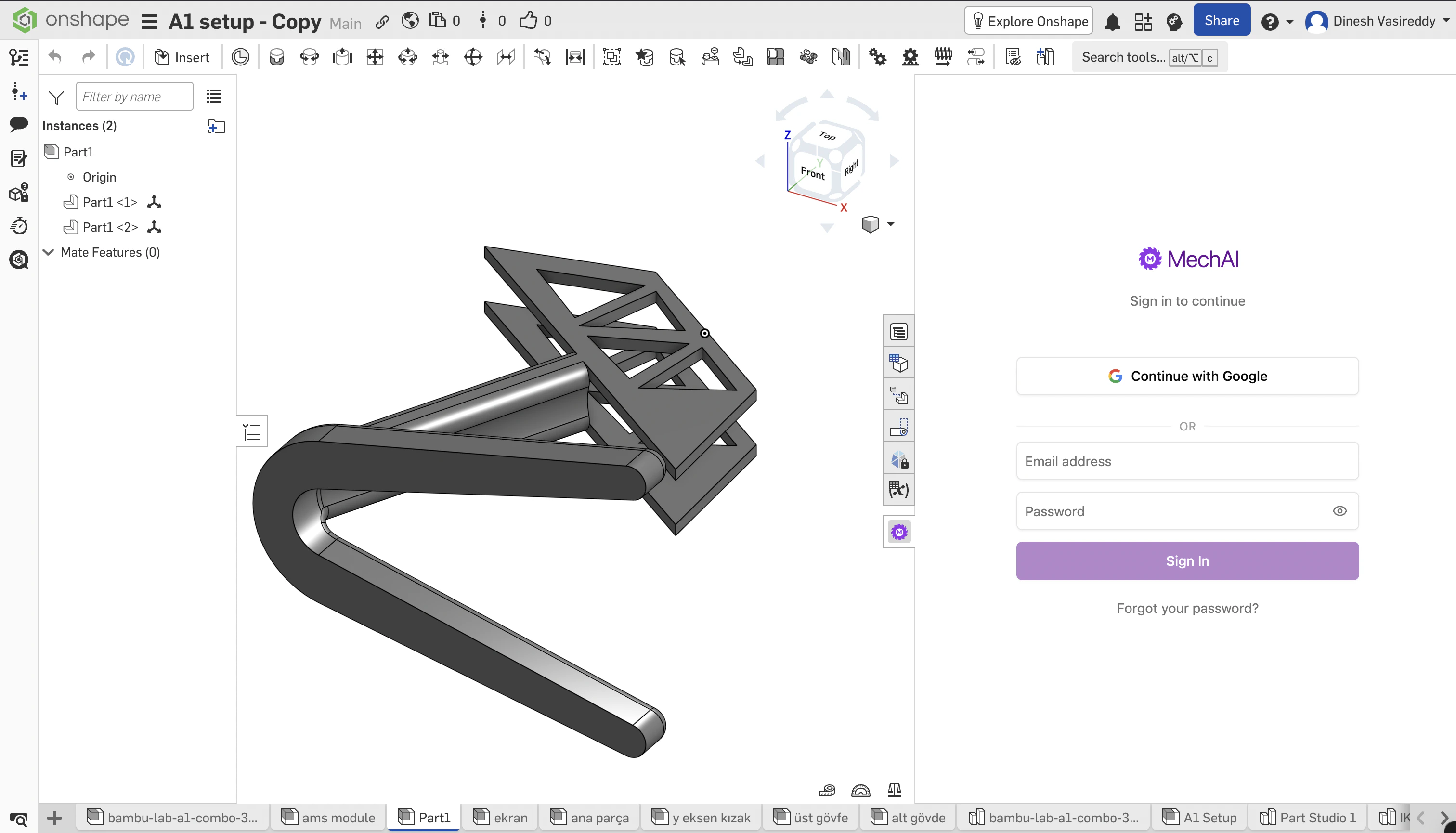
Sign in using Email/Password
When you open MechAI in Onshape, you can sign-in using your email and password that you created your MechAI account with.Sign in using Google
You can also sign-in using Google Oauth with the same email you created your MechAI account with. This will open a separate tab in your browser to complete the Google Oauth process, after which you can return to your Onshape tab.Third-party cookies
Enable third party cookies
In your browser, enable third party cookies for MechAI’s authentication to work.